How Can Law Firm Software Transform Your Client Communication?
5 videos
Looking to elevate your client interactions? Our videos explore how law firm software can streamline communication, enhance client satisfaction, and improve your practice's efficiency. Dive in to learn about the best tools available for personal injury attorneys.
 Vertical1:14
Quilia Ink: Faster Client Signatures
Quilia Ink makes it easy for clients to sign documents instantly from their phone. No emails to dig through. No accounts to create. Just a simple tap, fill, and sign experience built directly into the Quilia app. Why It Works Better on Mobile Clients get a text + push notification instantly Opens directly to the document Clean, guided form instead of a cluttered PDF Sign and submit in seconds Built for Law Firms No per-signature fees No extra tools to manage Syncs automatically with your case management system Designed for personal injury client workflows Most e-signature tools fail before the client even opens the document. Quilia Ink removes that friction completely.
personal injury softwarecase management softwarelegal techclient communication 1:14
1:14Quilia Ink: E-Signatures for Law Firms Without DocuSign Friction
Quilia Ink is a built-in e-signature solution designed specifically for personal injury law firms. Stop chasing signatures through email. With Quilia Ink, clients receive documents directly inside the Quilia app they’re already using for their case. No logins, no confusion, no missed emails. Why Quilia Ink? No more lost DocuSign emails No account creation required for clients Mobile-first signing experience Push notifications and text reminders built in No per-signature fees Automatic sync with your case management system How It Works Upload a PDF in the Quilia portal Add signature, text, and date fields Send instantly to your client Client signs in a simple, guided form Completed document syncs back to your system Built for Law Firms Quilia Ink is part of the Quilia client app, helping law firms improve client compliance, reduce delays, and streamline document collection without adding another tool to manage.
personal injury softwarecase management softwarelegal techclient communication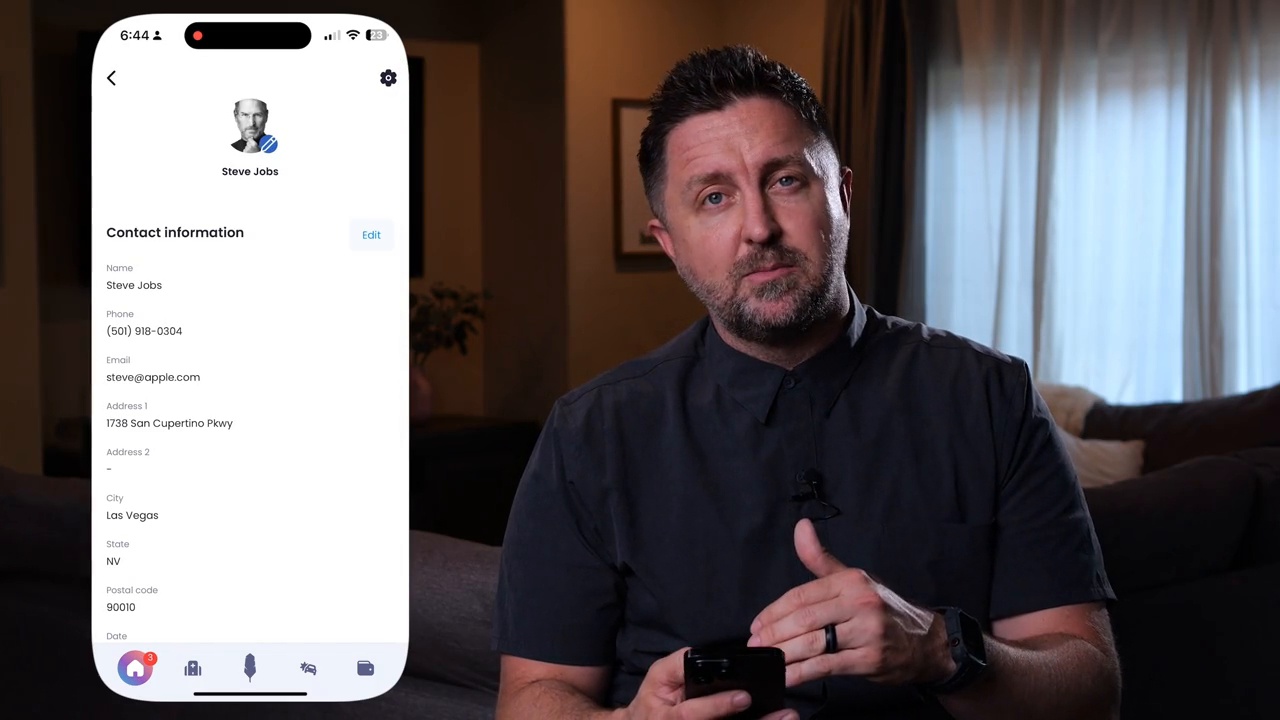 2:17
2:17Welcome to Quilia: Your Personal Injury Case Companion
Welcome to Quilia — the app that helps you stay organized, informed, and connected throughout your personal injury case. In this short walkthrough, Quilia’s CEO, Kenny Eliason, shows how to navigate the app and make the most of its features. Inside the app, you’ll find everything you need to track your recovery and keep your attorney up to date — all in one place. From logging treatment updates and daily pain levels to uploading photos and managing property damage or wage loss details, Quilia makes the process simple and stress-free. Each update you add goes straight to your legal team, so they always have the latest information without you having to call or email. You can also update your profile, adjust language settings, and check in on any tasks or requests your firm assigns. Remember, your attorney can only fight for what they know about. The more details you include in Quilia, the stronger your case becomes. Whether you’re just starting recovery or deep in treatment, Quilia keeps you organized and confident every step of the way.
personal injury softwarelegal techclient experienceclient onboarding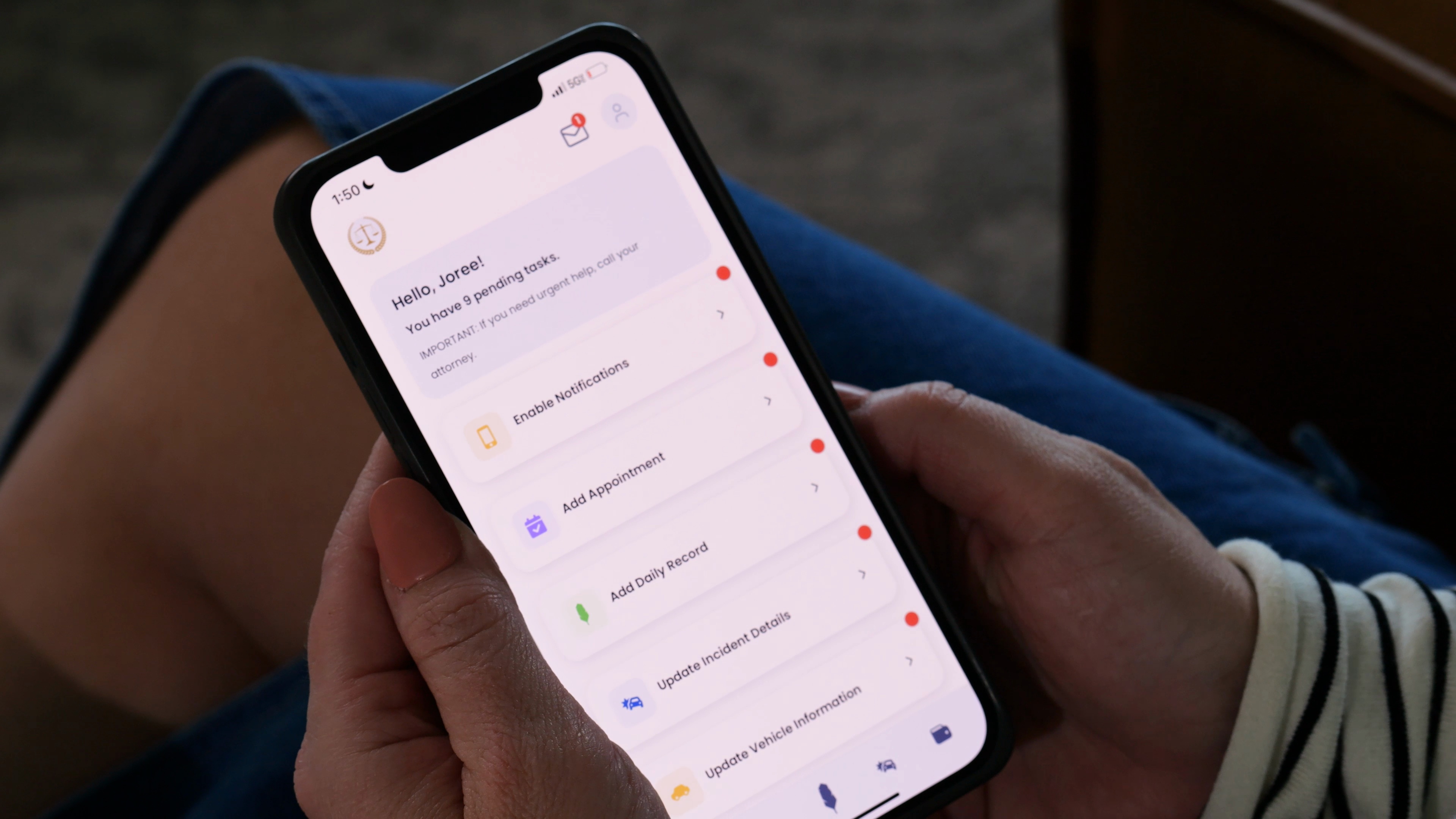 1:10
1:10How Quilia Helped Me Take Control After My Accident
After my accident, life turned upside down. Between doctor visits, paperwork, and endless updates, I felt buried under the stress of recovery. Every time my attorney needed something, I was scrambling to find it. It felt like one more missed appointment or forgotten message could derail everything. Then my attorney introduced me to Quilia, the client app for personal injury cases. At first, I figured it was just another tool to learn—but it quickly became the one thing that kept me sane. Instead of juggling calls and emails, I could log everything in the app: updates, photos, even notes about how I was feeling. My attorney saw it all instantly. No chasing, no confusion, no dropped details. Using Quilia made the entire process smoother. It organized everything about my case in one place, helping me feel like I was part of the process, not just another file. Every update I entered helped my attorney build a stronger case and kept my recovery story clear and consistent. What I didn’t expect was how much it helped emotionally. Having one place to track my pain, progress, and treatment gave me a sense of control I hadn’t felt since the accident. It reminded me that healing isn’t just physical—it’s about staying connected, informed, and confident that my attorney has everything they need. Quilia didn’t take away the stress—but it made it manageable. It turned a chaotic recovery into something organized and empowering, letting me focus on getting better while knowing my attorney had my back. Learn more about how Quilia helps personal injury clients and law firms work together at quilia.com.
legal techclient communicationclient recovery trackingquilia testimonial Vertical1:59
AI-Powered Case Summaries, SmartAdvocate Integration, and More
Big things are happening at Quilia. This update introduces AI-powered case summaries, SmartAdvocate integration, and a host of improvements designed to make your firm run smoother and faster. Here’s what’s new: AI-Powered Case Summaries: Instantly understand what’s happening in a case without reading pages of notes. SmartAdvocate Integration: Manage cases, messages, and client updates in one place — no duplicate data entry. Improved Phase Messages & APIs: Faster client updates and new API tools for firms with custom systems. Enhanced Multi-Case Views: Easily manage clients with multiple cases (and cases with multiple clients). Coming Soon — Case Signal: Smarter insights that help your team fill in gaps before they appear.
personal injury law firmpersonal injury softwarecase management softwarelegal tech